Administrators can create and manage learner areas and their nested hierarchy levels, and configure external integrations (such as Zapier) scoped to specific hierarchy levels. This section covers hierarchy management and the access tokens used for external integrations.

Hierarchy management

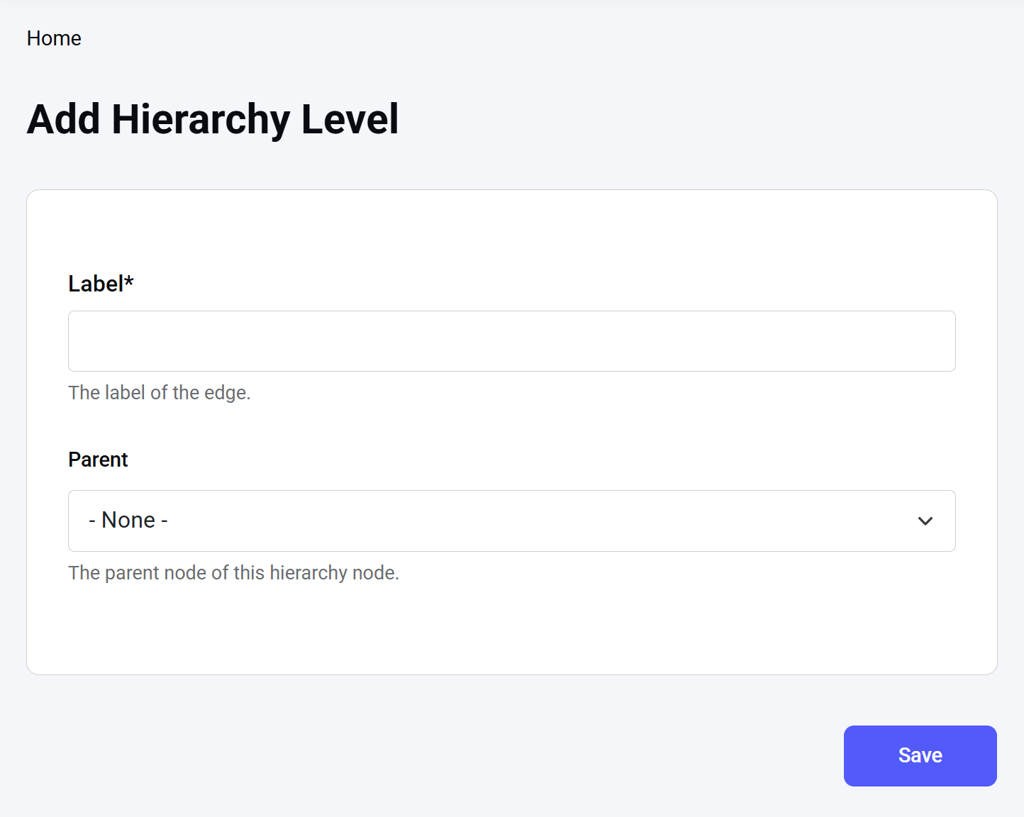
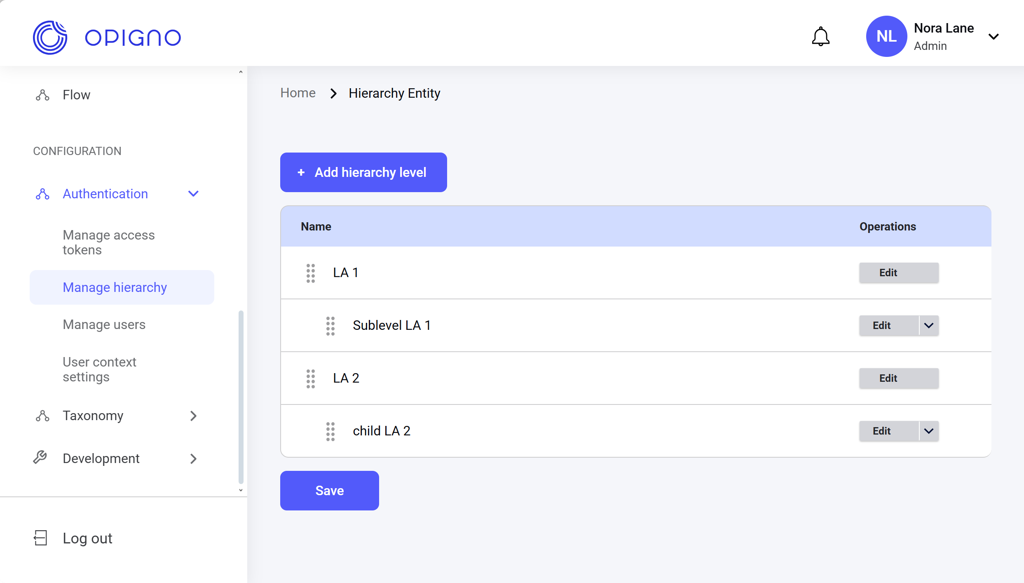
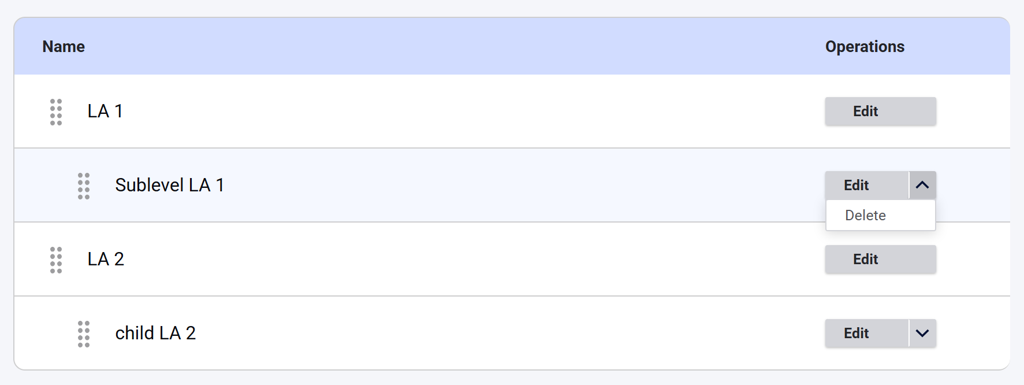
You can access the Manage hierarchy dashboard from the left menu under Configuration → Authentication. Image 2026 02 17 182509534 The dashboard shows all the learner areas and their nested levels. You can rearrange the hierarchy levels, edit them, and delete nested levels. Image 2026 02 17 182523673 Click Add hierarchy level to open the creation interface, where you can enter the hierarchy name and specify the parent level if necessary. Image 2026 02 17 182538794 See Learning Areas & Hierarchy for more details.
Access token management

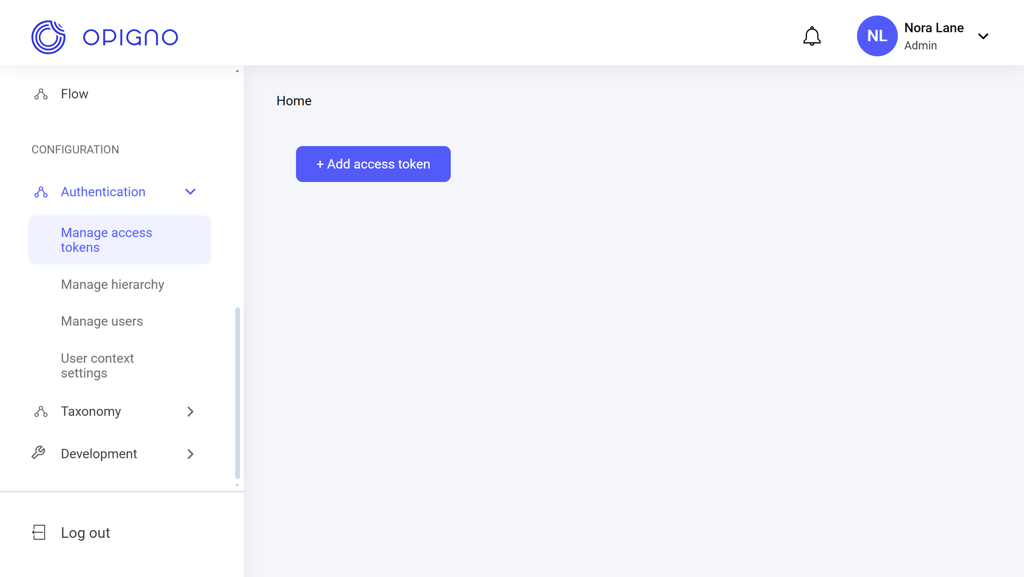
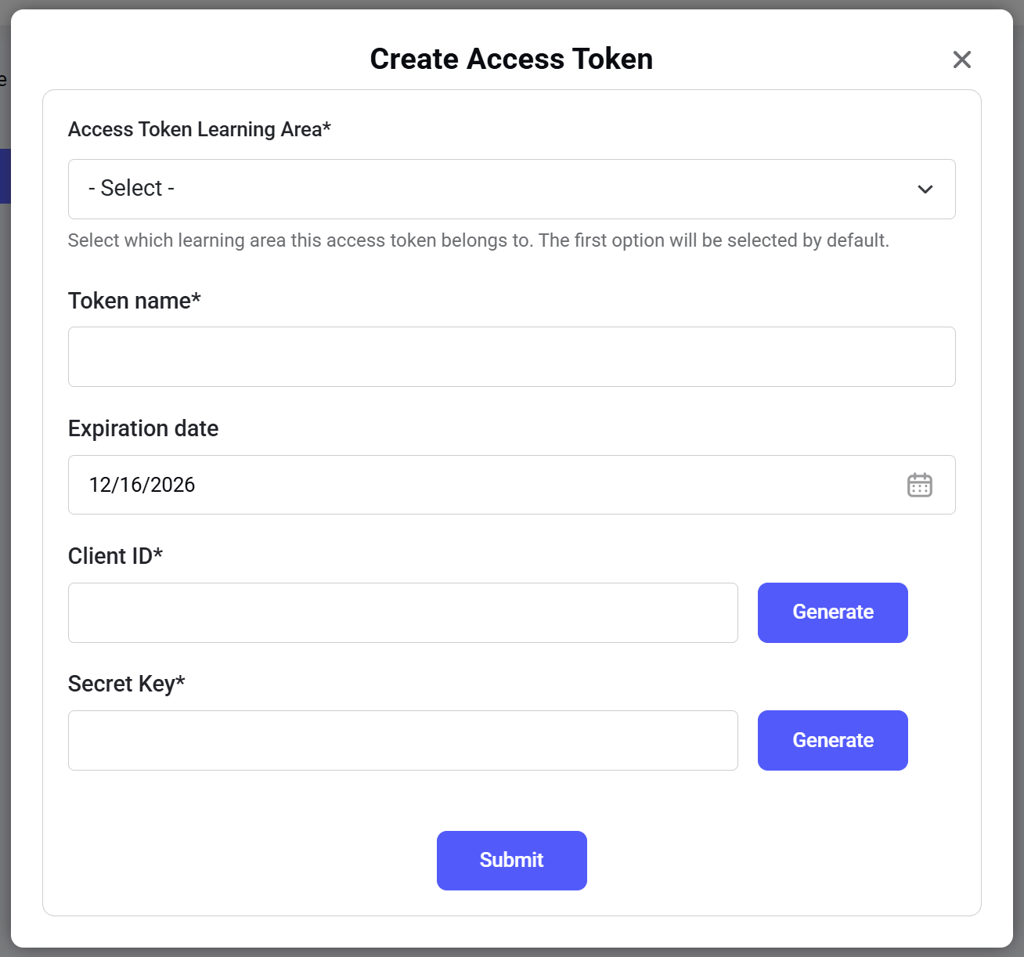
You can access the Manage access tokens dashboard from the left menu under Configuration → Authentication. Image 2026 02 17 182602322 Click Add access token to open the creation interface, where you can generate the token and assign it to a learner area. Image 2026 02 17 182619944 See Access Token Management for more details.