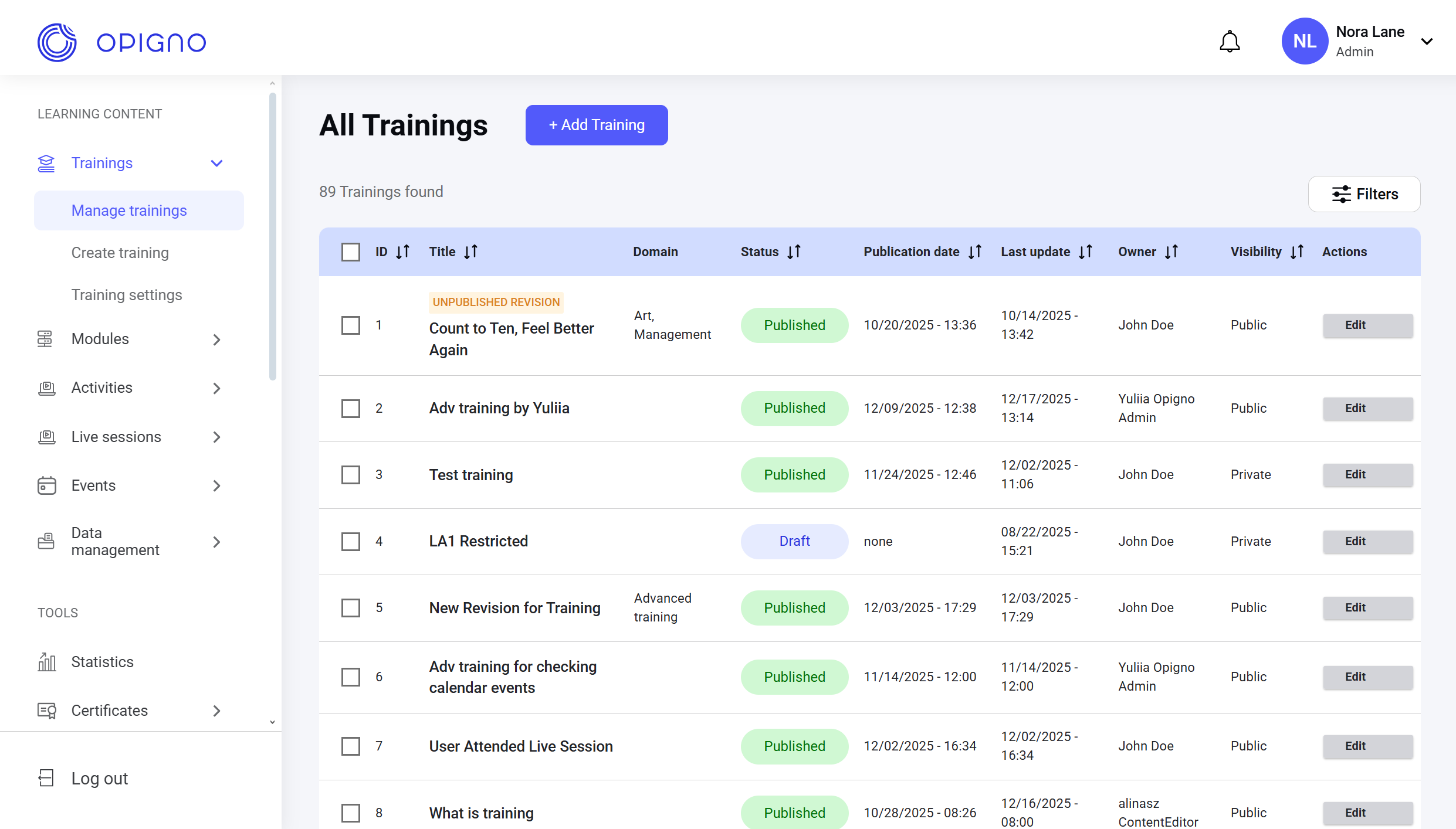
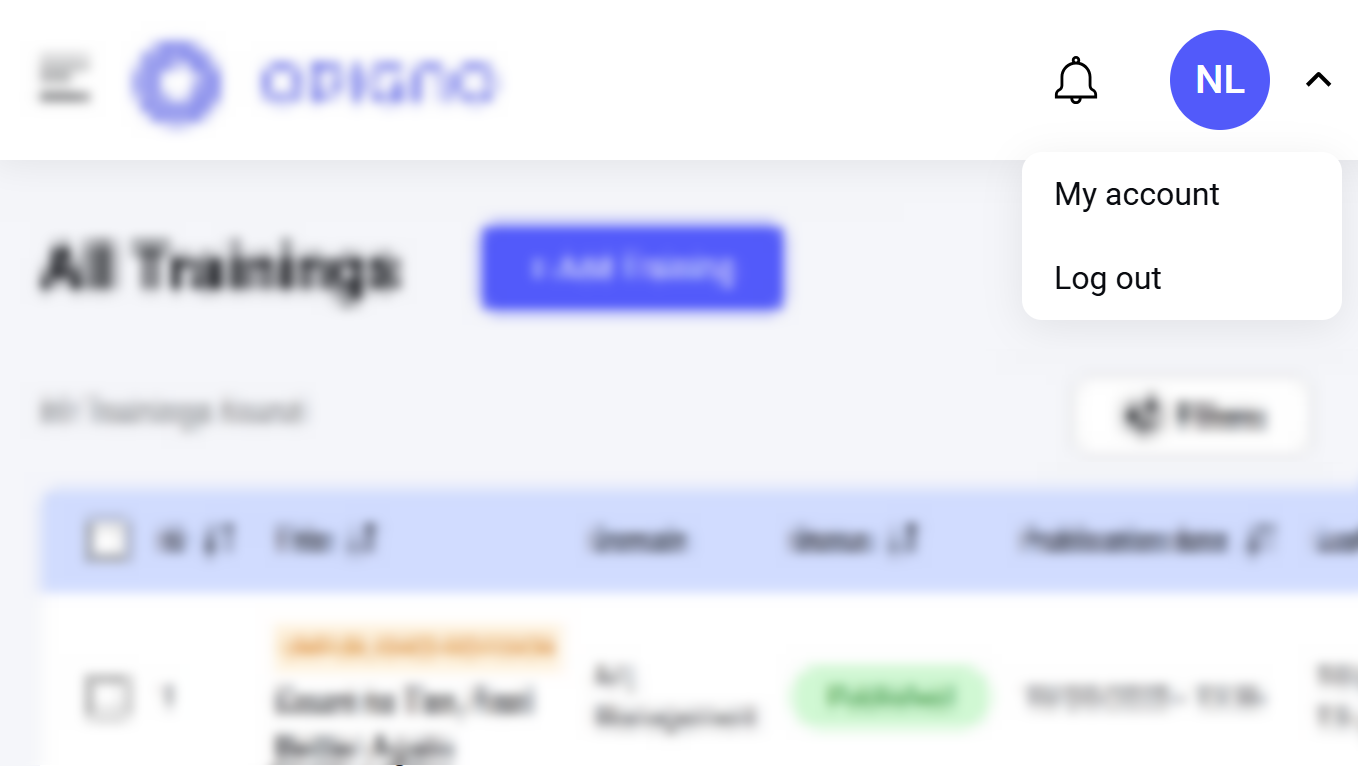
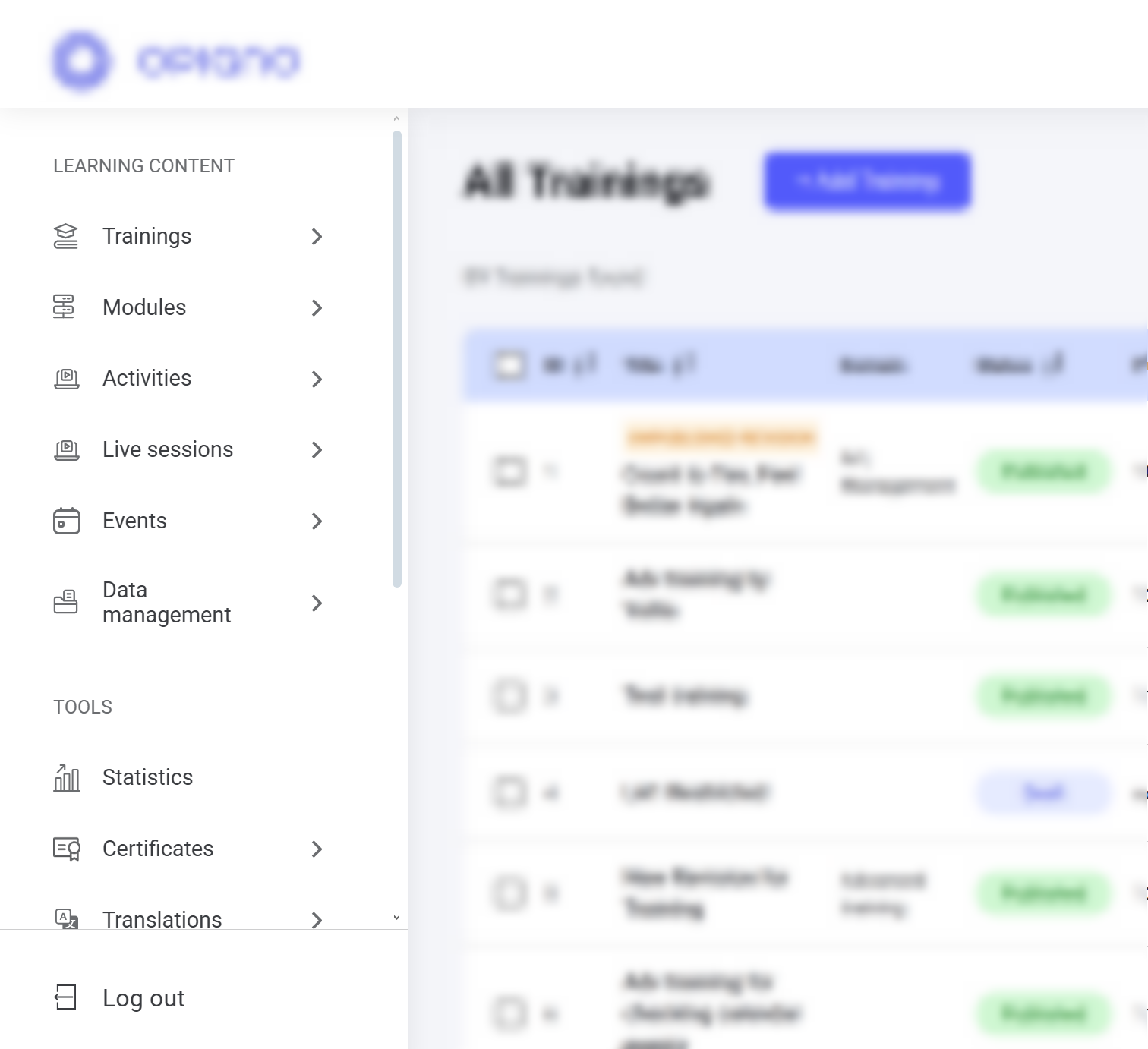
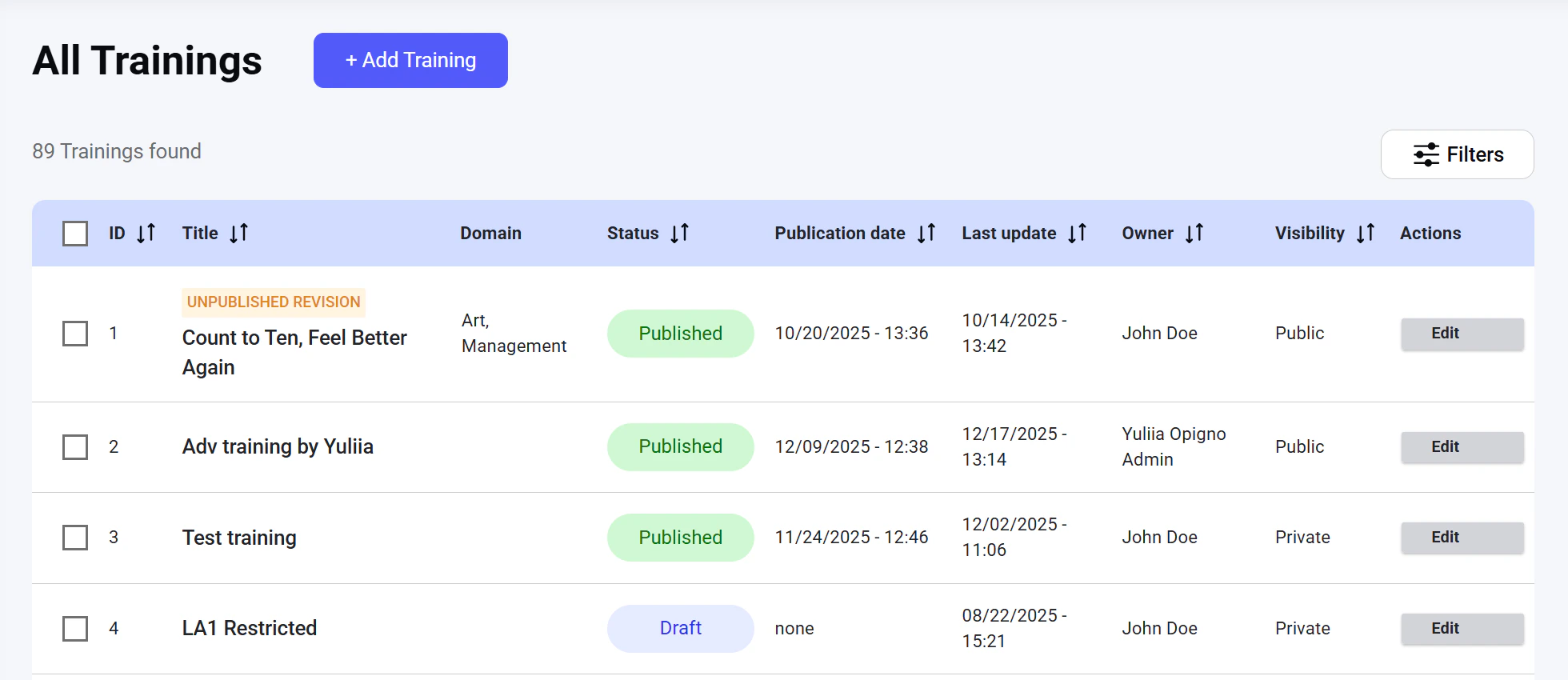
Once logged into the platform, you land on the Home page—the central hub for managing administrative tasks.In the top-right corner, a profile icon opens the profile settings.On the left, you’ll find a menu for accessing and managing learning content, tools, and configuration settings.The main screen displays a table listing all existing trainings, filters to help you sort them, and the Add training button to create new learning programs.
Assistant
Responses are generated using AI and may contain mistakes.