You can access the live session creation tool in two ways:
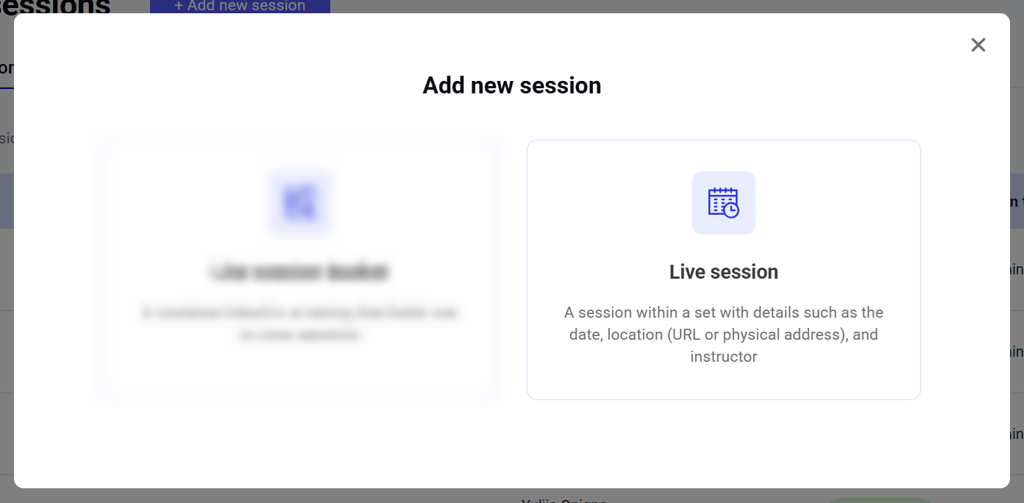
  1. Click the Add new session button above the Manage live sessions dashboard and choose Live session in a pop-up. Image 2026 02 16 174701800 Image 2026 02 16 174721948
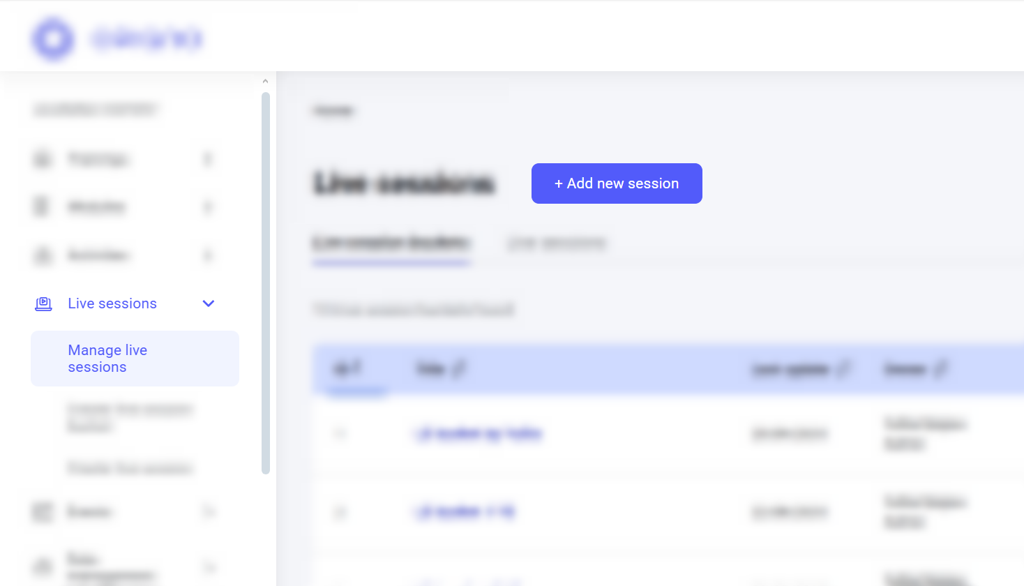
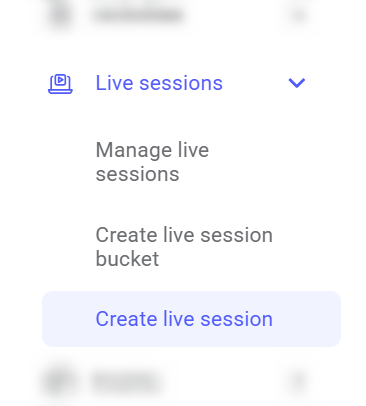
  2. Or click Create live session menu item on the left. Image 2026 02 16 174801459
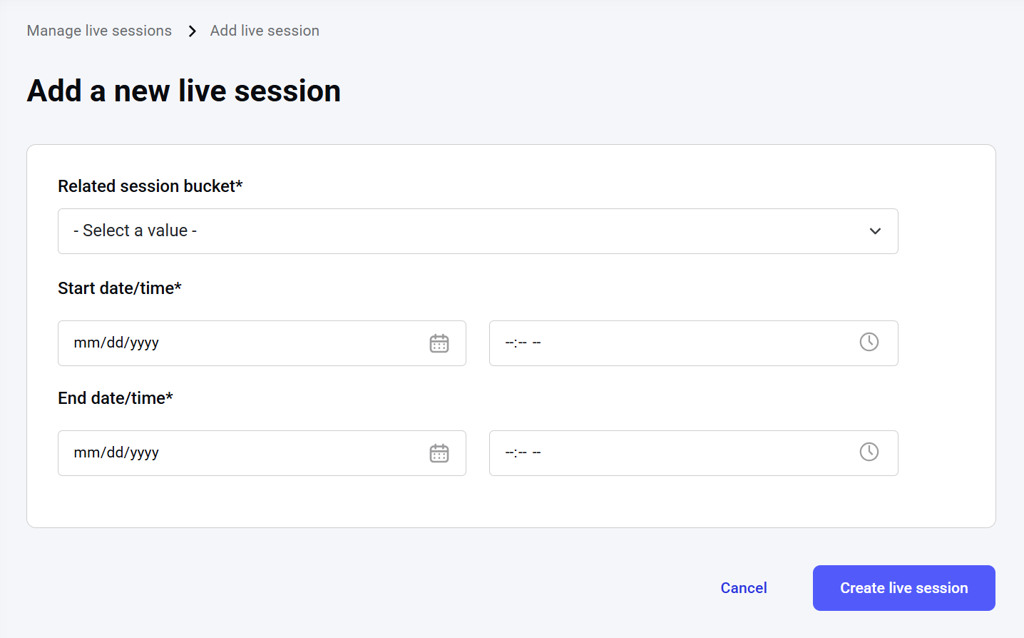
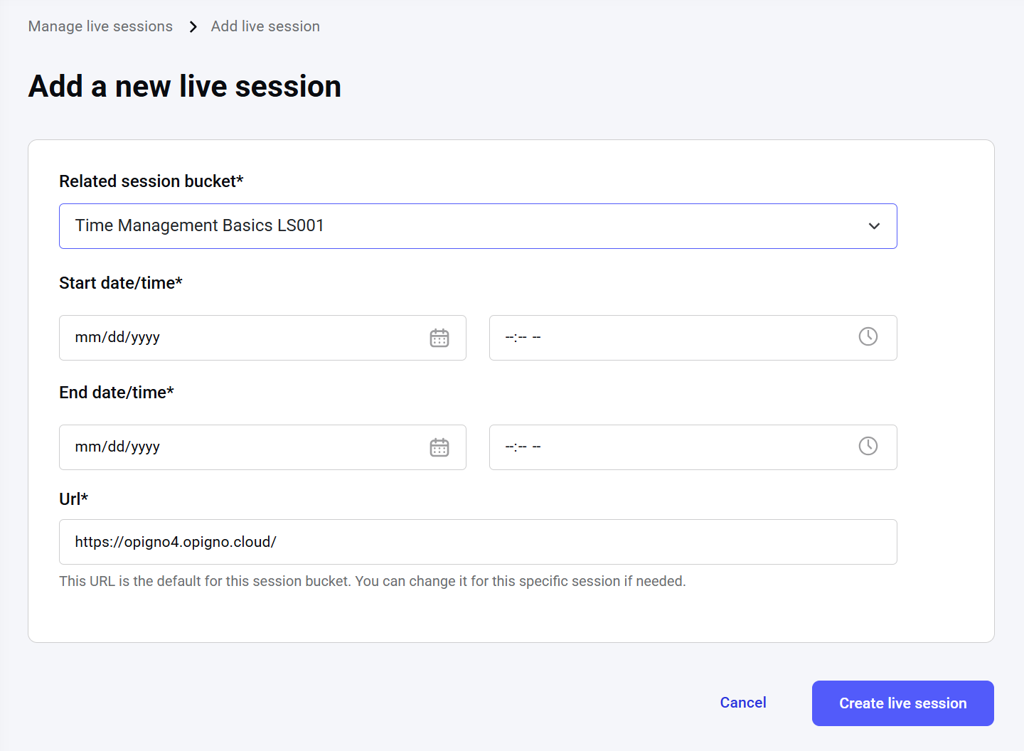
A live session creation tool will open, where you can set the start and end date for the live session and add it to a published bucket. All fields are required. Image 2026 02 16 174830224 After you choose a bucket to which this live session will be added, a location/URL field will appear with the default bucket location/URL input automatically. You can change it for this live session if needed. Image 2026 02 16 174851134
NOTE: When you add a live session to a published bucket, that live session is published automatically.
After you have applied all the necessary settings on this page, click the Create live session button to save the session. To discard the draft of the live session, click Cancel.