- Embedded PDF: A PDF file displayed by an embedded reader.
- HTML5: An iframe displaying the HTML content.
- Image: A single image or a gallery with the possibility to zoom in and out.
- Video: A video embedded from external players (e.g., YouTube) or uploaded to the Opigno server.
- File upload: A learner assignment that can be uploaded for manual scoring.
- Long answer: Open-ended questions.
- True/false: Simple statements for learners to mark as true or false.
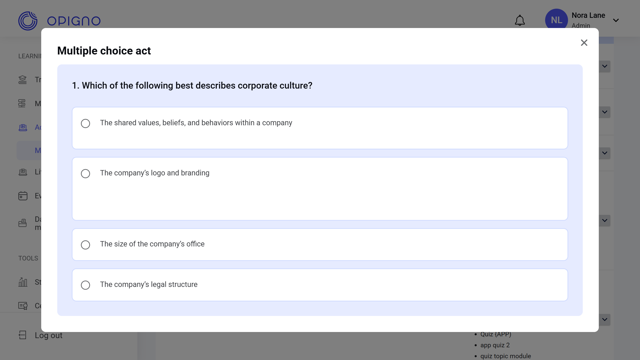
- Multiple choice: A question with multiple answer options.
- Fill-in-the-Blank: An interactive activity where learners complete a sentence or text by entering the missing word(s).
- Interactive video: An activity where learners complete interactions—read a text snippet or answer a true/false or multiple-choice question—linked to specific timestamps in a video.
- Drag and drop: An interactive activity where learners sort draggable items—texts or images—into one or more categories.
- SCORM package: A versatile activity type that can include interactive content, videos, or assessments.
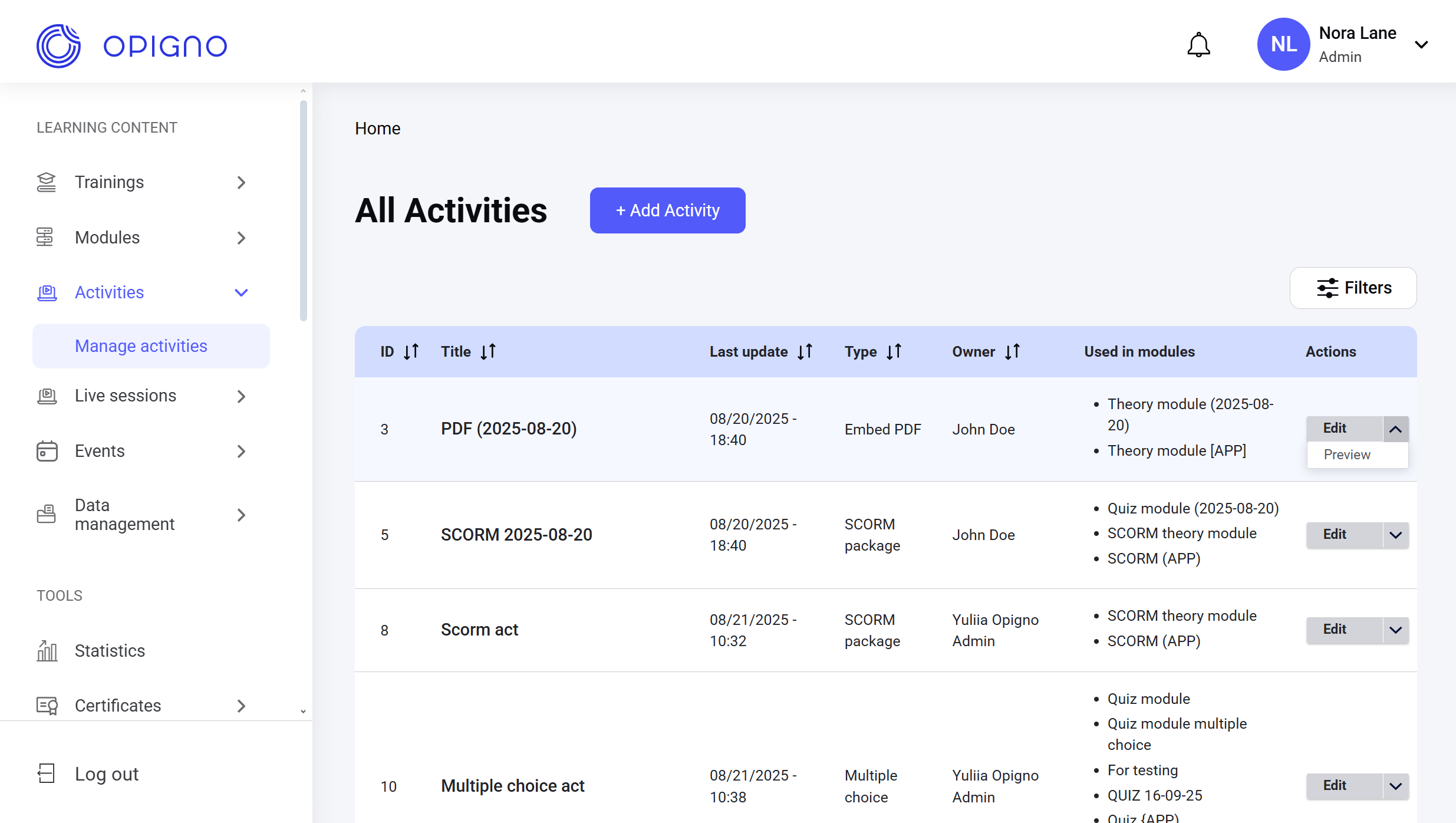
- Edit: Opens the activity editing interface.
- Preview: Opens the pop-up window with the activity preview.