The Opigno Enterprise API allows external systems to receive platform event notifications via webhooks. This section explains how to configure webhooks for integrating the platform with external systems.

Webhooks management

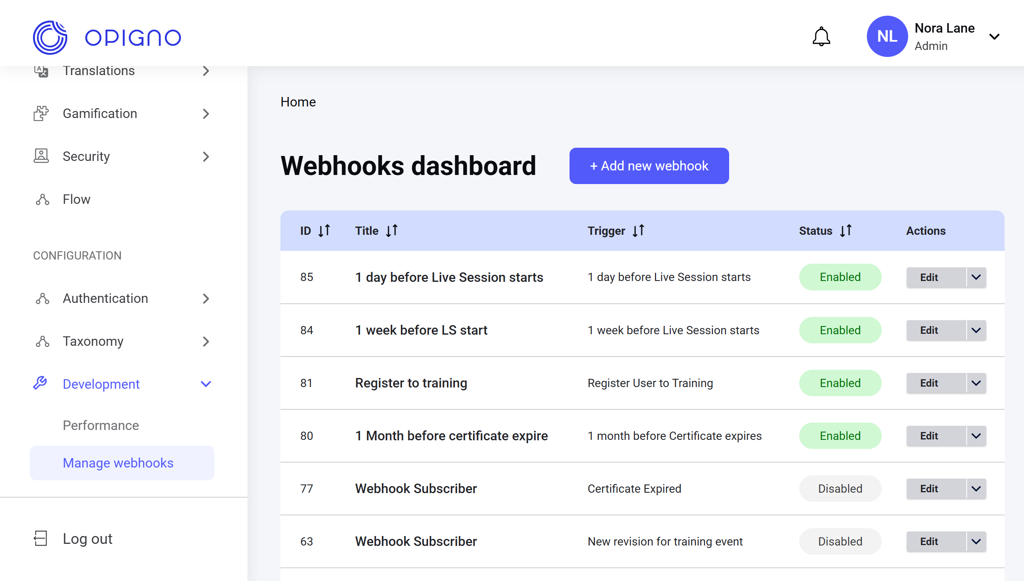
You can access the Manage webhooks dashboard via Development under the Configuration section of the left menu.

The dashboard

Image 2026 02 17 190742630 The dashboard table shows the list of all webhooks with the following attributes:
  • ID
  • Title
  • Trigger: Event-based or scheduled conditions that send the webhook to the endpoint.
  • Status: Enabled or Disabled.
  • Actions: Edit, Enable, or Disable.
Image 2026 02 17 190759928 You can sort the list by the webhook ID, title, trigger type, or status.

Creating a new webhook

Click the Add new webhook button above the dashboard table to open the creation interface. Image 2026 02 17 190811791 Here, you can enter the webhook title, target URL, optional request signature, and select the trigger event type. Several time-based and event-based triggers are available: Time-based triggers
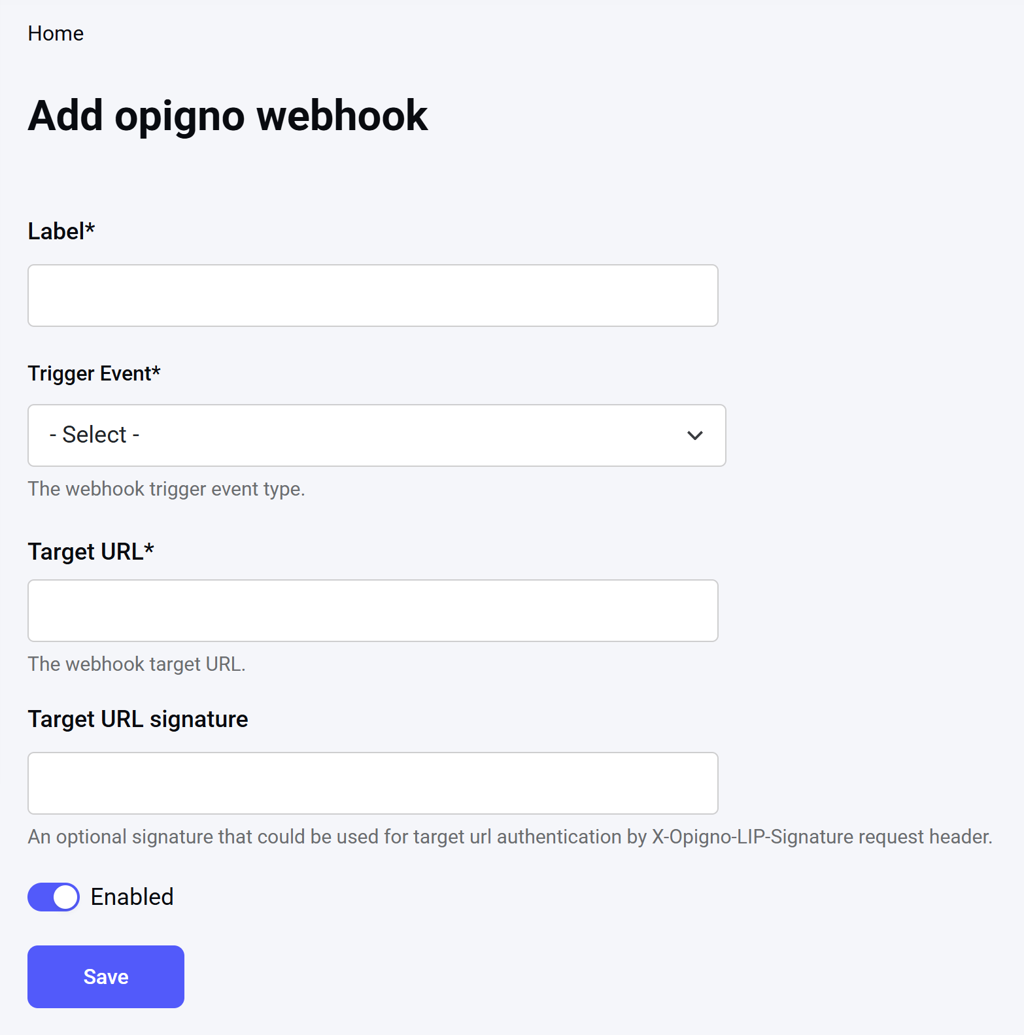
  • 1 or 2 days/weeks before a live session starts
  • 1 month before a certificate expires
Event-based triggers
  • User registered for a training
  • User started the training
  • User completed the training
  • User registered for a live session
  • User attended the live session
  • Certificate expired
  • New training revision
See Webhook Subscriptions API and Zapier Triggers for more details.
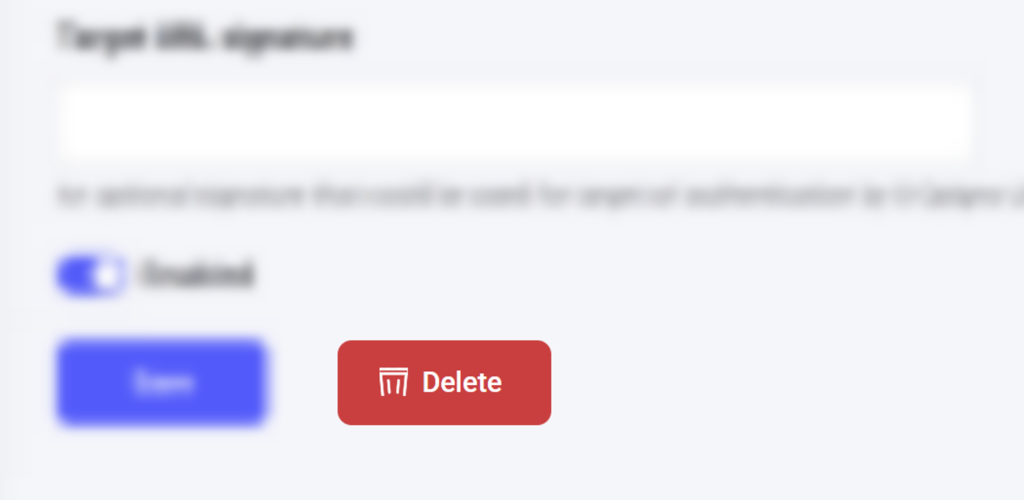
To delete a webhook, click Edit next to the respective item on the dashboard table to open the editing interface, and click Delete. Image 2026 02 17 190846850