> ## Documentation Index
> Fetch the complete documentation index at: https://docs.opigno.com/llms.txt
> Use this file to discover all available pages before exploring further.
# Home page
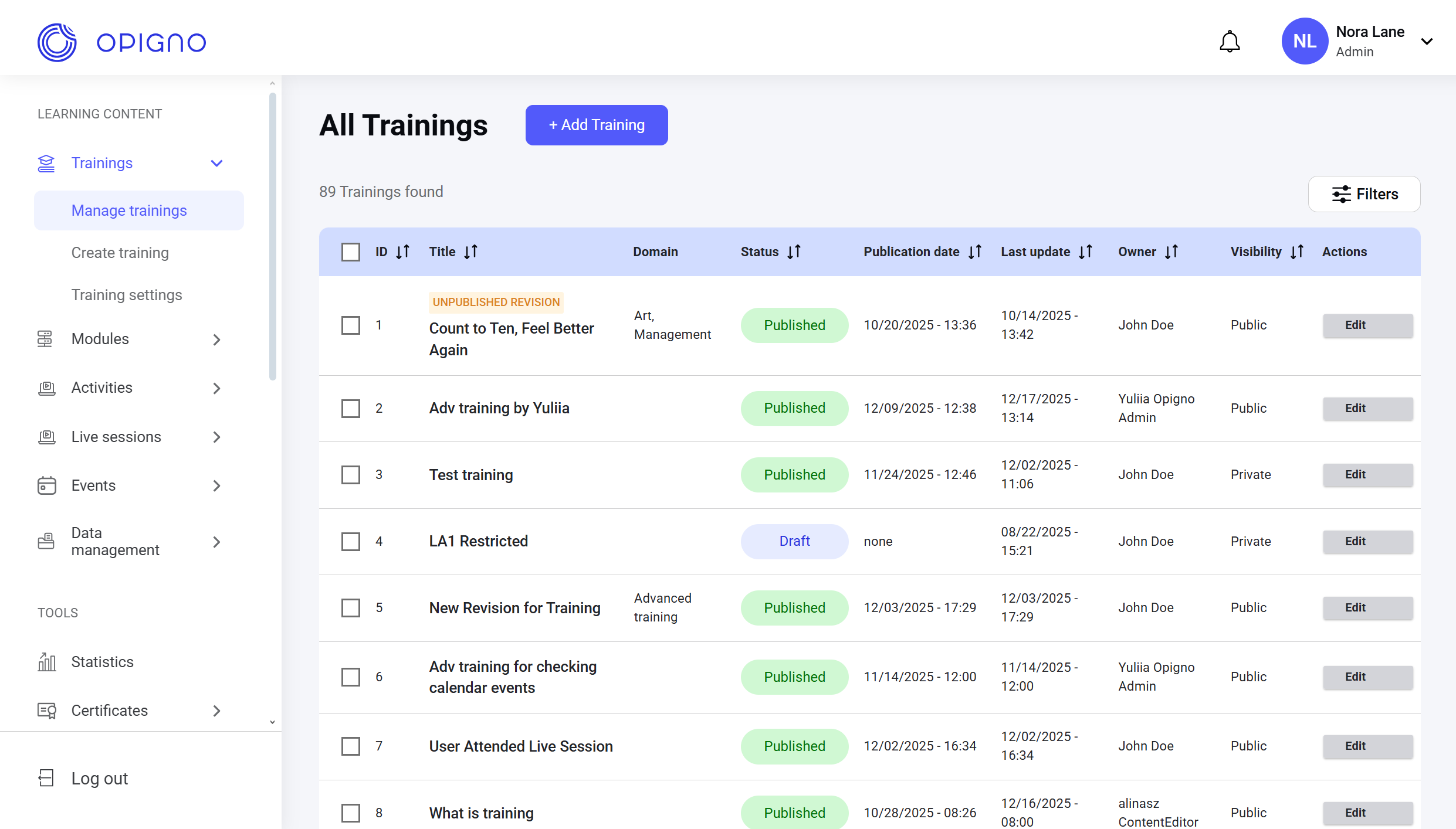
Once logged into the platform, you land on the Home page—the central hub for managing administrative tasks.
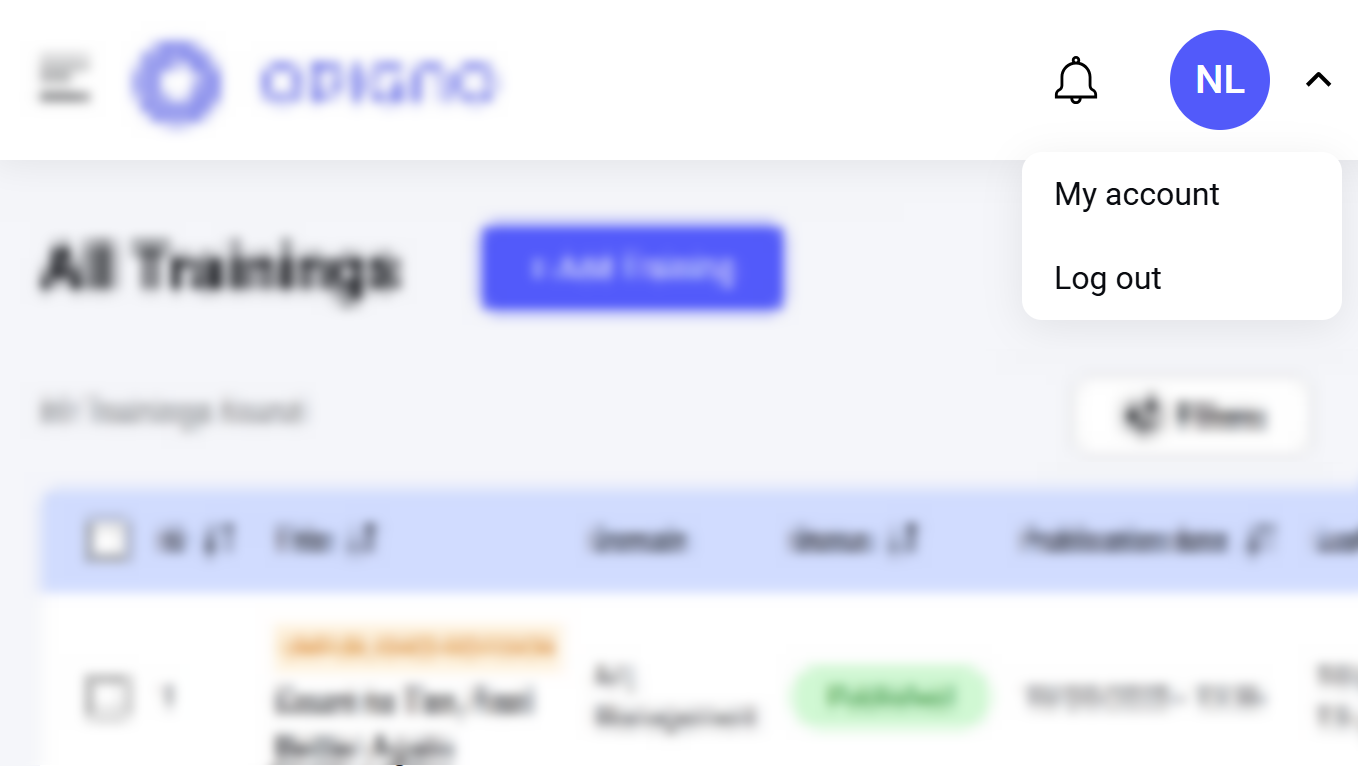
 In the top-right corner, a profile icon opens the profile settings.
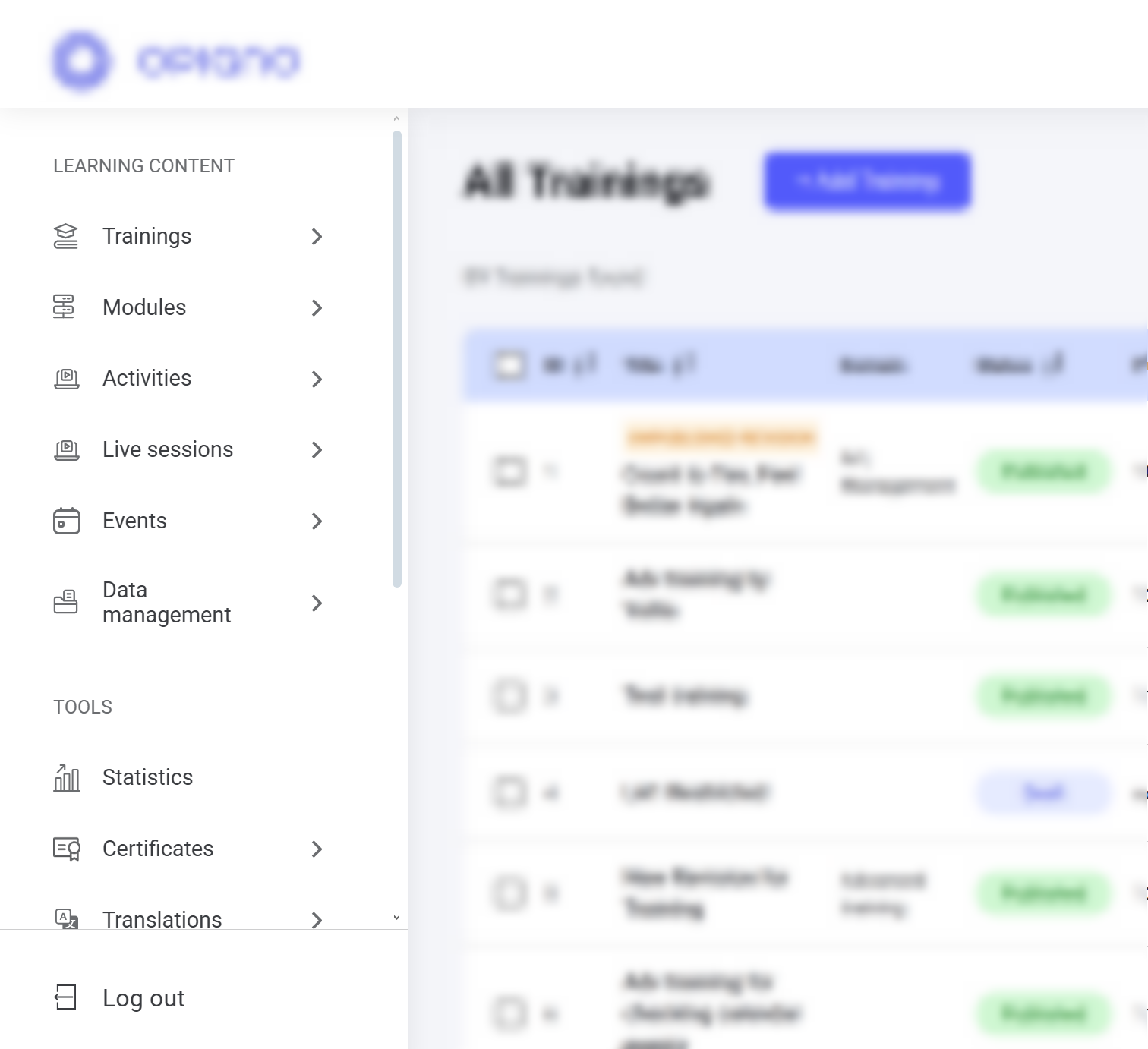
 On the left, you'll find a menu for accessing and managing learning content, tools, and configuration settings.
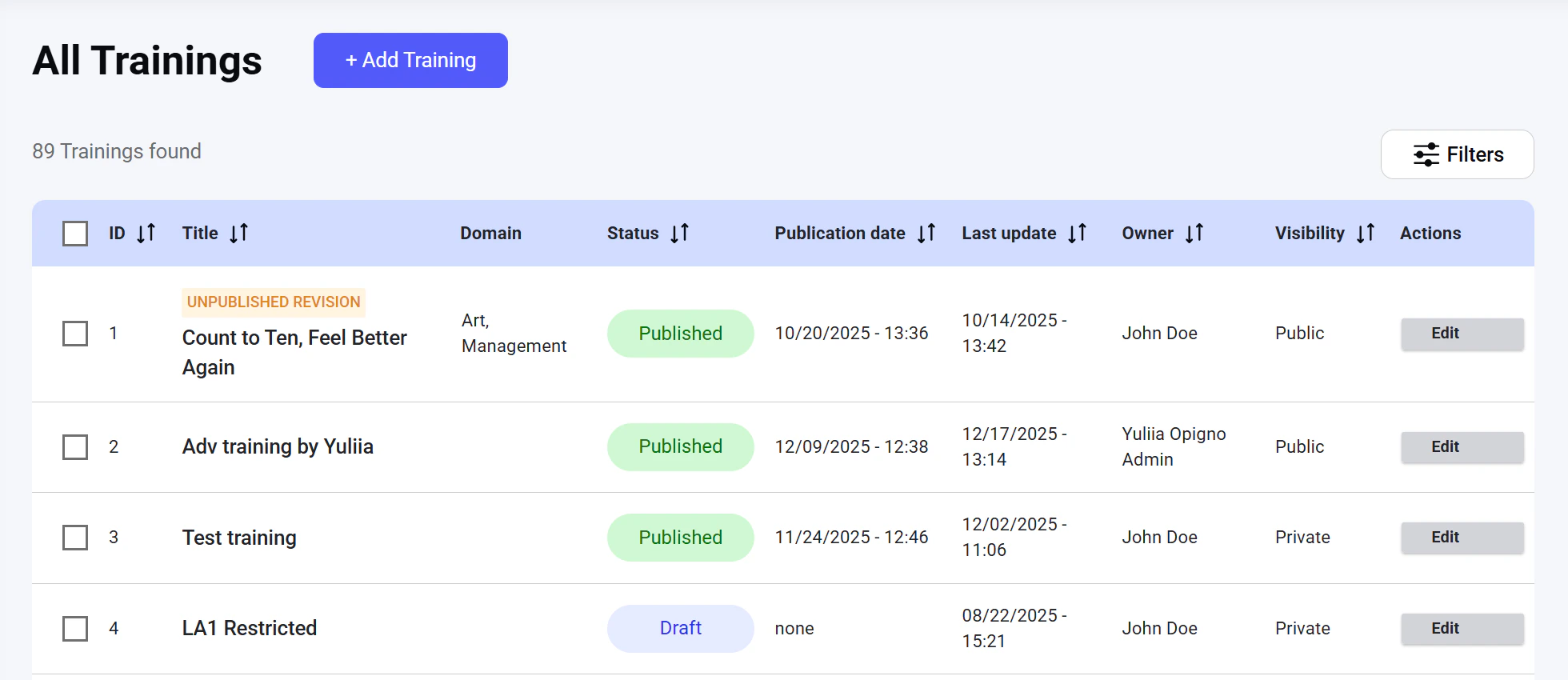
 The main screen displays a table listing all existing trainings, filters to help you sort them, and the **Add training** button to create new learning programs.