> ## Documentation Index
> Fetch the complete documentation index at: https://docs.opigno.com/llms.txt
> Use this file to discover all available pages before exploring further.
# Delete a taxonomy term
To delete a taxonomy term, `deleteTaxonomyTerm` mutation should be used.
**Important:** this operation is irreversible. After the term deletion, it will disappear from all content items where it was used.
**Access policy:**
* The API user context should have permission to update the given taxonomy term.
* A term with the given ID should exist on the site.
The only argument that is used in the mutation is `termId` (required).
Now let's delete the term that was created before (see [Create a taxonomy term](/OpignoEnterpriseAPI/Taxonomy/CreateTaxonomyTerm) for more details).
```filename GraphQL [expandable] theme={null}
mutation deleteTaxonomyTerm {
deleteTaxonomyTerm(termId: "11") {
errors
response
}
}
```
```File Query result [expandable] theme={null}
{
"data": {
"deleteTaxonomyTerm": {
"errors": [],
"response": true
}
}
}
```
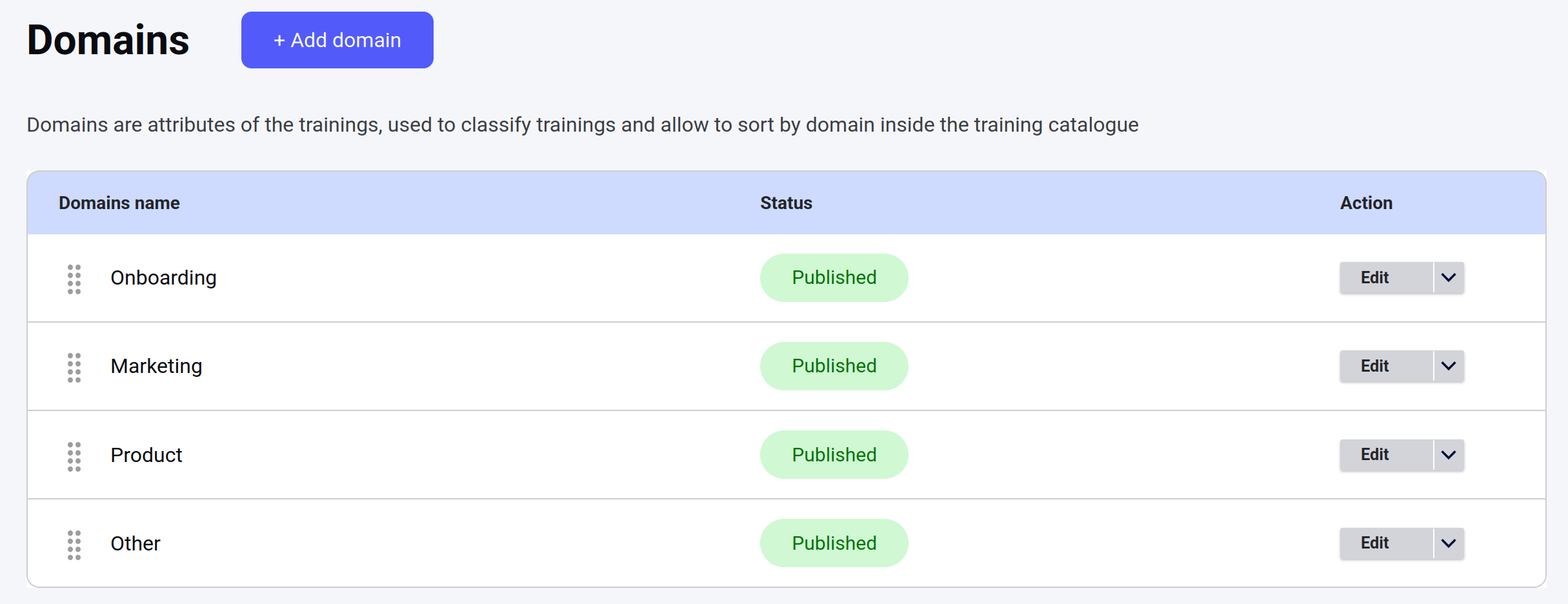
After the mutation execution the term was deleted: